CHOOSE PAYMENT METHOD
QRIS
USDT
BITCOIN
BINANCE
PAYMENT DETAILS
Select a payment method above to view details.
QRIS Payment
Scan for instant payment
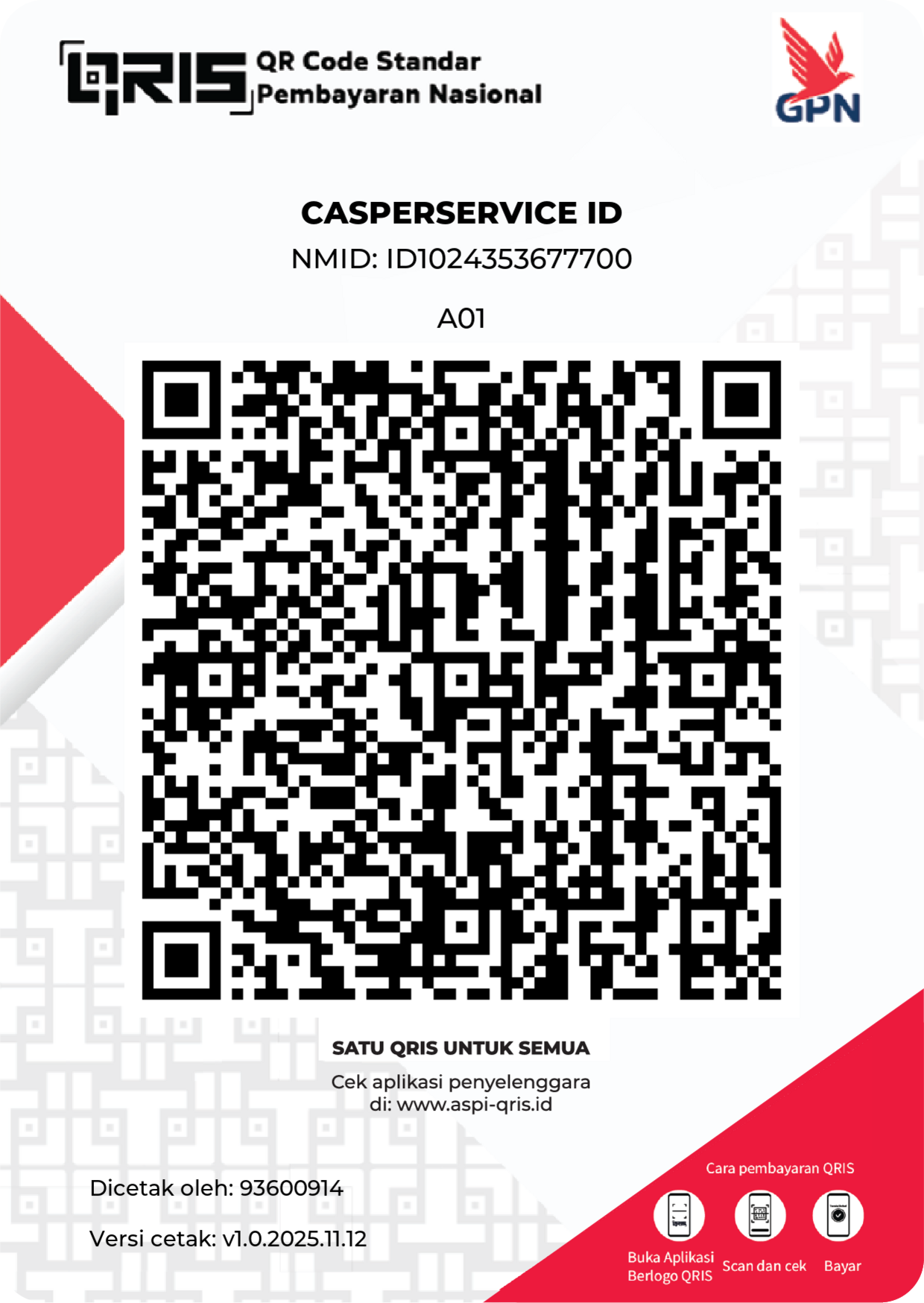
Click QR Code to Zoom
INSTRUCTIONS
- Open your E-Wallet / Mobile Banking.
- Scan the QR Code above.
- Input amount and confirm payment.
- Screenshot the receipt.
USDT
BEP20 / ERC20 / TRC20
Make sure you are using the correct network!
0x511B0FB93f6A9bCD5E30d8f53bb90d7639432117
TTYR2Qsc95jvkCEKF9PuhxZEWuDHMiUQ4z
STEPS
- Select the correct network (BEP20/ERC20 or TRC20).
- Copy the specific address above.
- Paste address and send amount.
- Send transaction hash/proof to admin.
Bitcoin
BTC Network
1FArZUXBCMcusgEhTRNTpDxDkk8TN67cUp
INFO
- Double check the address before sending.
- Confirmation takes 10-60 minutes.
- Send TXID to admin after sending.
Binance Pay
Instant & Zero Fee
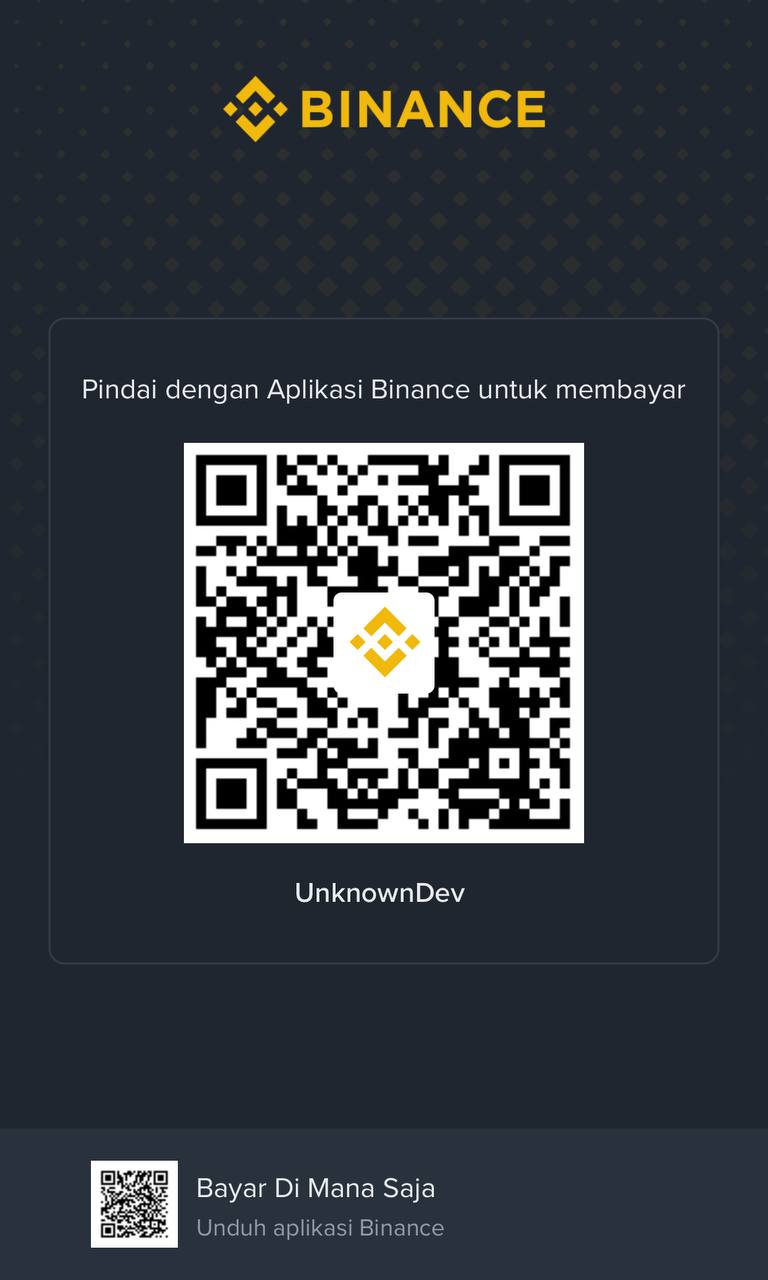
SCAN IN APP
Click QR Code to Zoom
928887342